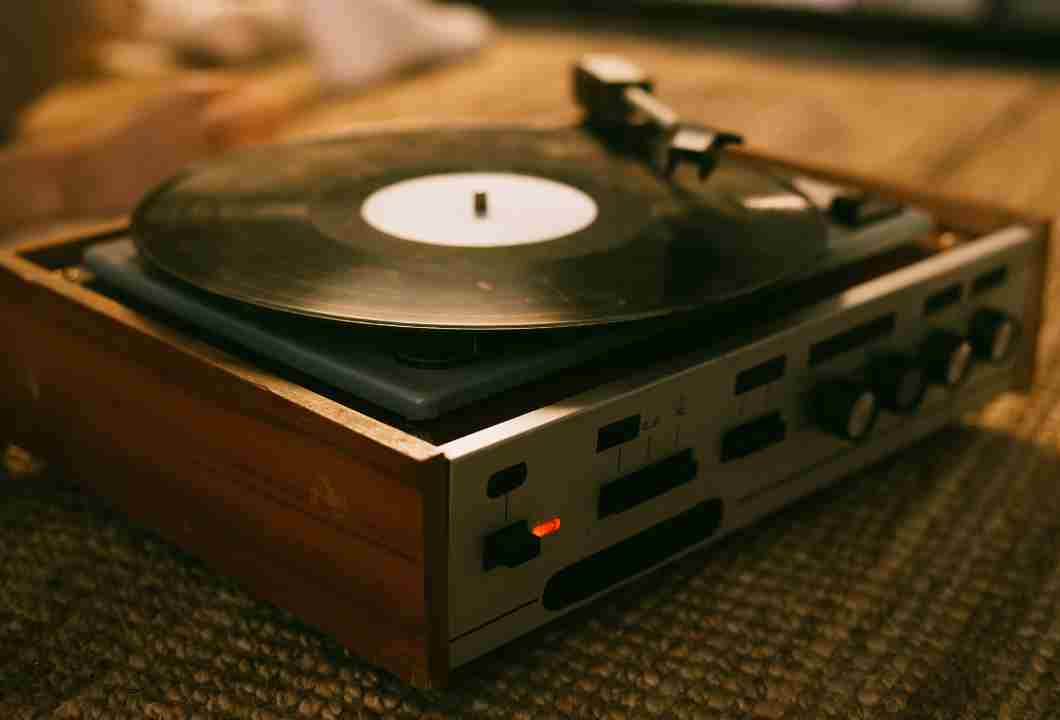
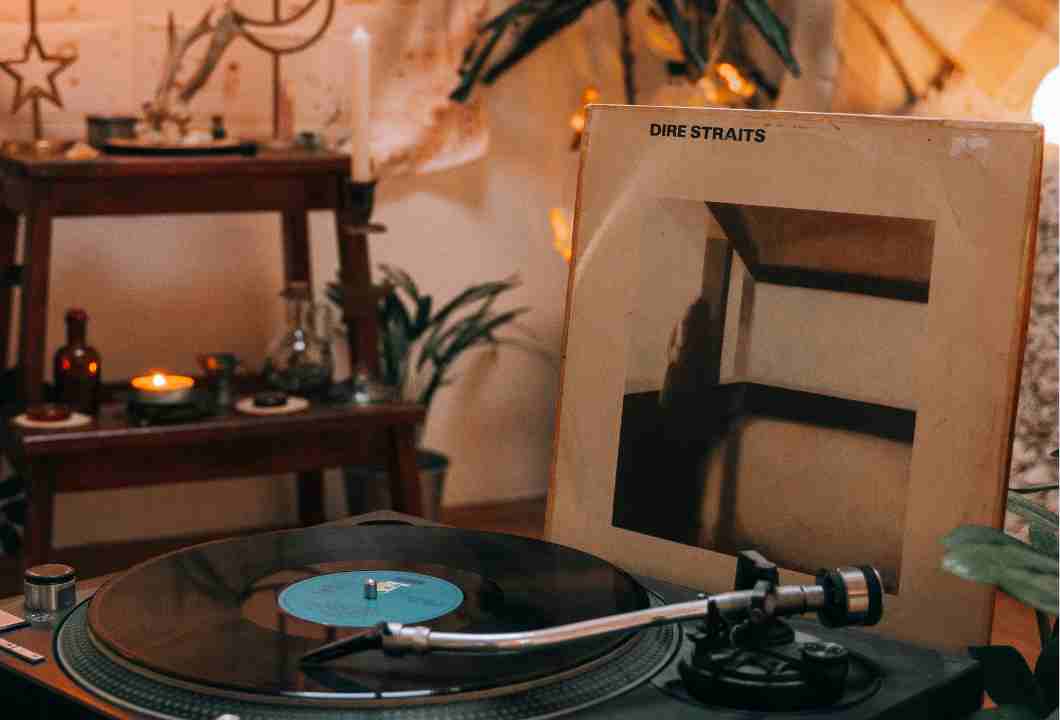
Working from home has changed how many enthusiasts interact with their audio systems. Laptops, external monitors, chargers, routers, and LED lighting now share the same space as carefully restored vintage gear. For those who value analog fidelity, this coexistence can be challenging.
A turntable is, by nature, an extremely sensitive electromechanical system. The modern home office, however, is saturated with electrical noise sources that simply did not exist when most classic audio equipment was designed.
Understanding how these environments interact — and how to manage them intelligently — is now part of preserving analog performance.
The Modern Home Office as a Hostile Electrical Environment
Vintage audio systems were designed for relatively simple electrical ecosystems: a limited number of appliances, incandescent lighting, and predominantly linear power supplies.
A modern home office introduces a very different landscape:
- Switching power supplies from notebooks and monitors
- USB devices exchanging high-frequency data continuously
- Wi-Fi and Bluetooth transmitters operating at close range
- LED lighting with poorly filtered drivers
Each of these elements generates electromagnetic interference (EMI) and radio-frequency interference (RFI). A turntable cartridge — whether moving magnet or moving coil — operates at extremely low signal levels, making it vulnerable to contamination before the signal even reaches the phono stage.
This is why noise problems often appear only after a workspace evolves, even though the audio system itself remains unchanged.
Why the Turntable Is Uniquely Sensitive to Noise
Unlike digital audio, analog playback offers no error correction. Any noise introduced anywhere along the signal path becomes part of the reproduced sound.
Several characteristics make turntables especially exposed:
- High-impedance signal paths between cartridge and phono preamp
- Long, unbalanced cables common in vintage designs
- Mechanical-to-electrical conversion, where vibration becomes voltage
Even minimal induced interference can manifest as hum, buzz, or high-frequency hash — sometimes synchronized with screen refresh rates or charger activity. These symptoms are often mistaken for component failure rather than environmental interaction.
Common Symptoms in Mixed Vintage–Modern Setups
Before applying solutions, accurate diagnosis is essential. In a clinical approach, symptoms guide the investigation.
Audible hum at 50/60 Hz
This usually points to grounding issues or magnetic coupling from nearby power transformers in laptops or external monitors. Physical proximity often matters more than cable quality.
High-pitched digital noise or “hash”
Typically caused by switching power supplies, USB hubs, or poorly shielded HDMI cables. This noise may change when moving a mouse, typing, or adjusting screen brightness — a classic sign of digital interference coupling into analog circuits.
Noise that appears only when devices are connected
If the system is quiet until a notebook charger is plugged in, conducted noise or ground loops are likely causes, similar to cases discussed in Turntable Only Makes Noise When Other Devices Turn On: Step-by-Step Ground Loop Diagnosis.
Interference linked to screen activity
External monitors, especially older LCDs, can radiate interference that couples directly into tonearm wiring or phono cables, creating noise that varies with display content.
A Step-by-Step Diagnostic Process
A structured diagnostic method prevents unnecessary modifications and helps preserve originality.
Establish a Clean Baseline
Disconnect all non-essential devices from the power outlets. Leave only the turntable, phono stage, and amplifier connected. Listen carefully.
If the system is quiet in this state, the issue is environmental rather than internal — an important distinction before considering restoration work.
Reintroduce Devices One at a Time
Reconnect notebooks, monitors, routers, and chargers individually. After each addition, listen for changes. This isolates the primary noise source and often reveals that more than one device contributes to the problem.
Documenting these observations is useful, especially in complex setups.
Test Physical Proximity
Move the turntable away from power bricks, monitors, and laptops. Even small increases in distance can significantly reduce magnetic coupling.
As a general guideline, switching power supplies should be kept at least 30–50 cm away from the cartridge and tonearm area.
Evaluate Grounding Integrity
Confirm that the turntable ground wire is properly connected to the phono preamp or amplifier ground terminal. In mixed analog–digital environments, grounding paths can unintentionally multiply.
Never defeat safety earth connections. Instead, focus on routing, separation, and proper grounding topology, as explored in Noise That Appears Only When You Touch the Tonearm: Where the Bad Contact Really Is.
Ground Loops in Home Office Environments
Ground loops occur when multiple paths to ground allow circulating currents to introduce hum. Home offices are particularly susceptible because:
- Devices are interconnected via USB and HDMI
- Audio equipment shares power strips with computers
- External interfaces may be grounded through notebooks
In some cases, a vintage turntable connected to a modern audio interface creates an unintended loop between analog and digital grounds.
Solutions include careful cable routing, star-grounding strategies, and, in specific cases, isolation devices designed for audio signals — not generic computer accessories.
Power Quality and Its Influence on Analog Playback
The quality of mains power directly affects analog performance. Switching power supplies inject noise back into the electrical system, which can travel through shared outlets to sensitive components.
Vintage gear typically uses linear power supplies. These are robust but not immune to incoming noise. Simply separating audio equipment from computer gear at the power strip level often yields immediate improvements.
The role — and risk — of conditioning is discussed in more detail in How to Use a Power Conditioner Without Killing Analog Sound Dynamics.
Cable Management as a Diagnostic Tool
Cable routing is frequently underestimated. In mixed setups, it becomes critical.
Signal cables should be kept away from power cables. Phono leads should never run parallel to HDMI or USB lines. When crossings are unavoidable, they should occur at right angles.
Well-shielded, low-capacitance phono cables matter — but even the best cable cannot compensate for poor routing, a misconception addressed in Cabling: When Replacing Cables Helps — and When It’s Placebo.
Mechanical Vibration and Modern Desks
Many home offices use lightweight desks that resonate easily. Keyboards, trackpads, cooling fans, and even typing can transmit vibration.
A turntable placed on the same desk as a notebook is exposed to constant micro-vibrations, which the cartridge may translate into low-level noise or subtle smearing of detail.
Wall-mounted shelves, isolation platforms, or mass-loaded bases are often necessary, especially on floating floors — an issue examined in Floating Floors in Apartments: How to Keep Your Turntable from Becoming a Seismograph.
Turntable vs. Record Player: Why the Distinction Matters
In casual language, “record player” and “turntable” are often used interchangeably. Technically, the difference matters.
A turntable is a precision component designed for modular systems, with separate amplification stages and high mechanical sensitivity. A record player usually refers to an all-in-one appliance with limited adjustment and isolation.
Understanding this distinction helps explain why environmental control is critical in serious analog setups — and why simplified devices often mask problems rather than solve them.
When Internal Restoration Becomes Necessary
If environmental corrections fail, internal inspection may be justified.
Aging capacitors can reduce power supply filtering.
Deteriorated tonearm wiring may compromise shielding.
Oxidized ground connections increase noise susceptibility.
A proper restoration addresses these issues while respecting the original design, avoiding unnecessary modifications that can alter sonic character.
Designing a Harmonious Vintage–Digital Workspace
The goal is coexistence, not compromise. A thoughtfully designed home office can support productivity and high-fidelity listening.
This requires:
- Physical separation between analog and digital zones
- Dedicated power paths for audio equipment
- Respect for the mechanical and electrical sensitivity of the turntable
When these principles are applied, notebooks and monitors stop being threats and become simply part of the environment.
A Deeper Appreciation Through Control and Understanding
Living with vintage audio in a modern home office is an exercise in awareness. Every cable, power supply, and device has a sonic consequence.
By diagnosing systematically and applying solutions grounded in electrical and mechanical principles, the turntable regains its voice. The reward is not only lower noise, but confidence — knowing that analog playback can thrive even in digitally saturated spaces.
Silence, in this context, is not emptiness. It is the space in which music can finally breathe again.